Sanity Studio で表示するコンテンツの一覧に関して、表示のルールを適用して作業をしやすいようにすることが可能です。今回はこの部分を取り上げます。
Sanity のコンテンツツリーの制御
2026-01-04
Content Display Items
This time, we'll look at an implementation example for blog posts. Currently, in the schema definition for posts, previews are configured as follows:
schemaTypes/post.ts
The items displayed in this code are the title, media, and subtitle.

We are utilizing three elements: title and media remain unchanged, while the author field will specify the publication date instead of the editor's name. Assuming the publication date is defined as date, the changes will be made as follows.
schemaTypes/post.ts
As a result, the display changed as follows.

This time, the time portion is unnecessary, so I'll make a slight change to set only the date.
schemaTypes/post.ts
As a result, I set it to display only the date as follows.

Sort by Publish date
As you can see from the image above, the order of display is set so that the most recently updated items appear at the top. There is a mechanism to change the display order, and the current display format is as follows.
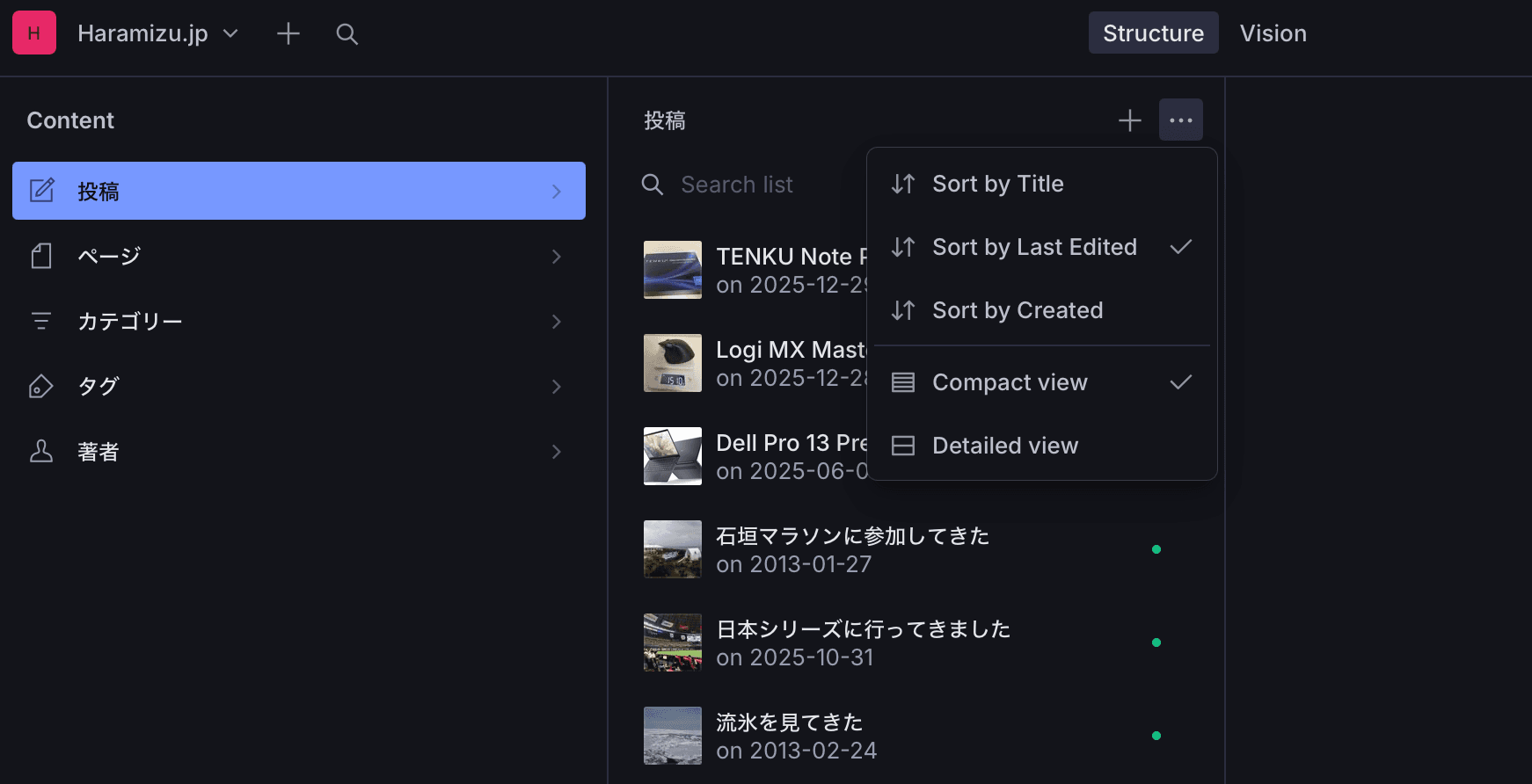
To change the display order, we will add the following ordering setting before preview this time.
schemaTypes/post.ts
This adds the options "Date" and "New." Selecting either will sort posts chronologically. Note that posts without a date will appear at the top under this rule.

Default Settings
To treat the above display order as the default, we will modify the display settings in Structure. First, create a file named sanity/structure.ts to define the modification rules. The code is as follows:
sanity/structure.ts
Next, to apply these settings, update the sanity.config.ts file as follows.
sanity.config.ts
After making the above setting changes, accessing the site will now display posts in chronological order by publication date by default.
Summary
This time, I changed the display order of the content list. Since this is a blog site, I modified the display so that the latest blog content or draft content appears in order of newest first. While there are procedures to apply this for filtering, I completed this implementation using only a simple approach.